Slate is what I use instead of Canvas's SpeedGrader. It signs into the school's Canvas, pulls down whatever needs grading, and renders each student's submission as one continuous PDF that takes Apple Pencil ink the moment it appears. There's no annotation mode to enter, no toolbar safari between students.
The rest of the screen stays out of the way: quick-score buttons for a 10-point quiz, a strip of reusable ink stamps for the comments you write forty times a term, and one tap to send the marked-up pages back to the student with a note. Grades land in Canvas unposted, so nothing reaches students until you post the whole batch.
Slate isn't on the App Store. It's a personal tool that lives on my own iPad so I can go home five minutes earlier every day.
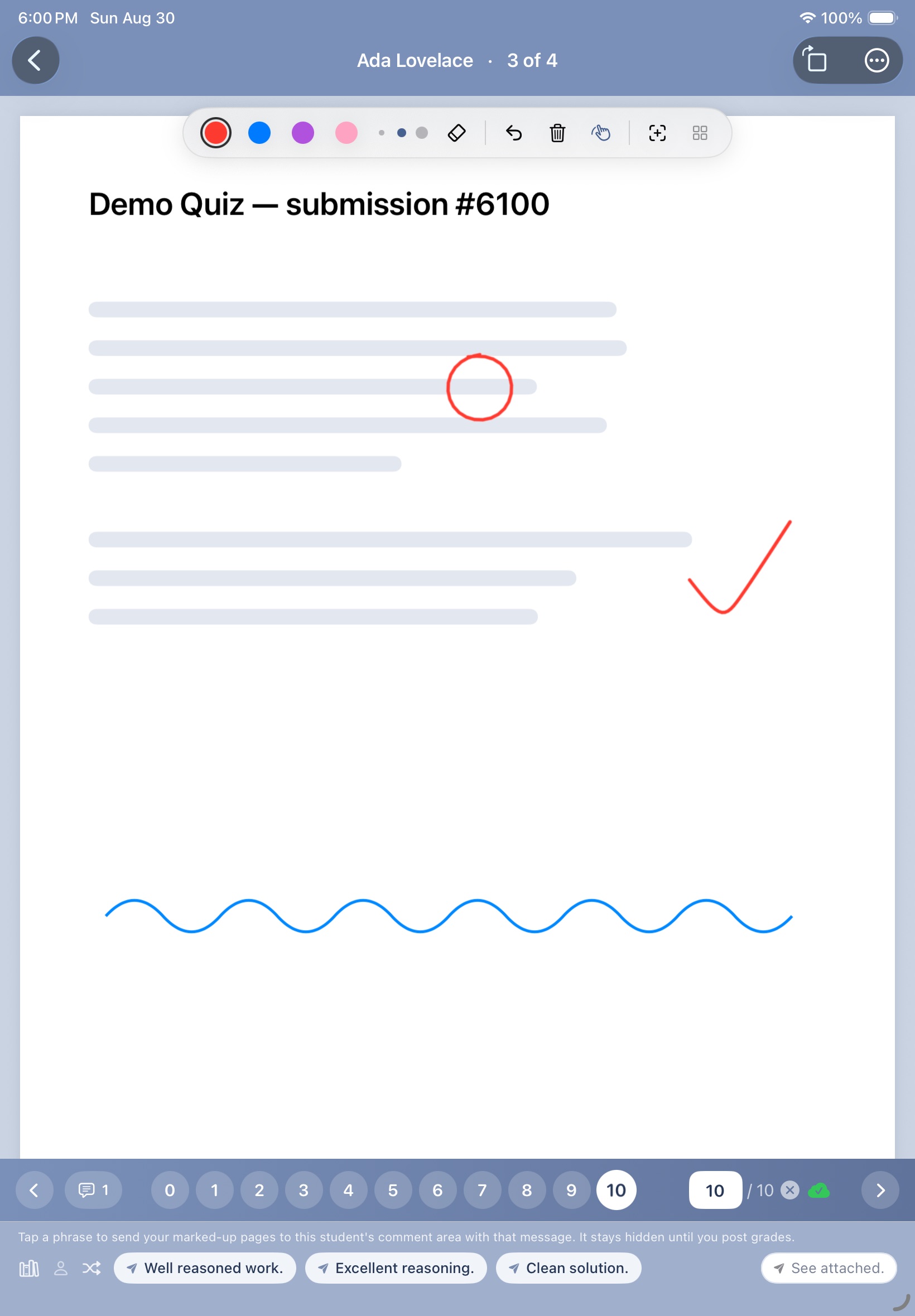
Grading a demo quiz: ink straight onto the page, a 10/10 in one tap, and a praise phrase ready to send with the marked-up pages.
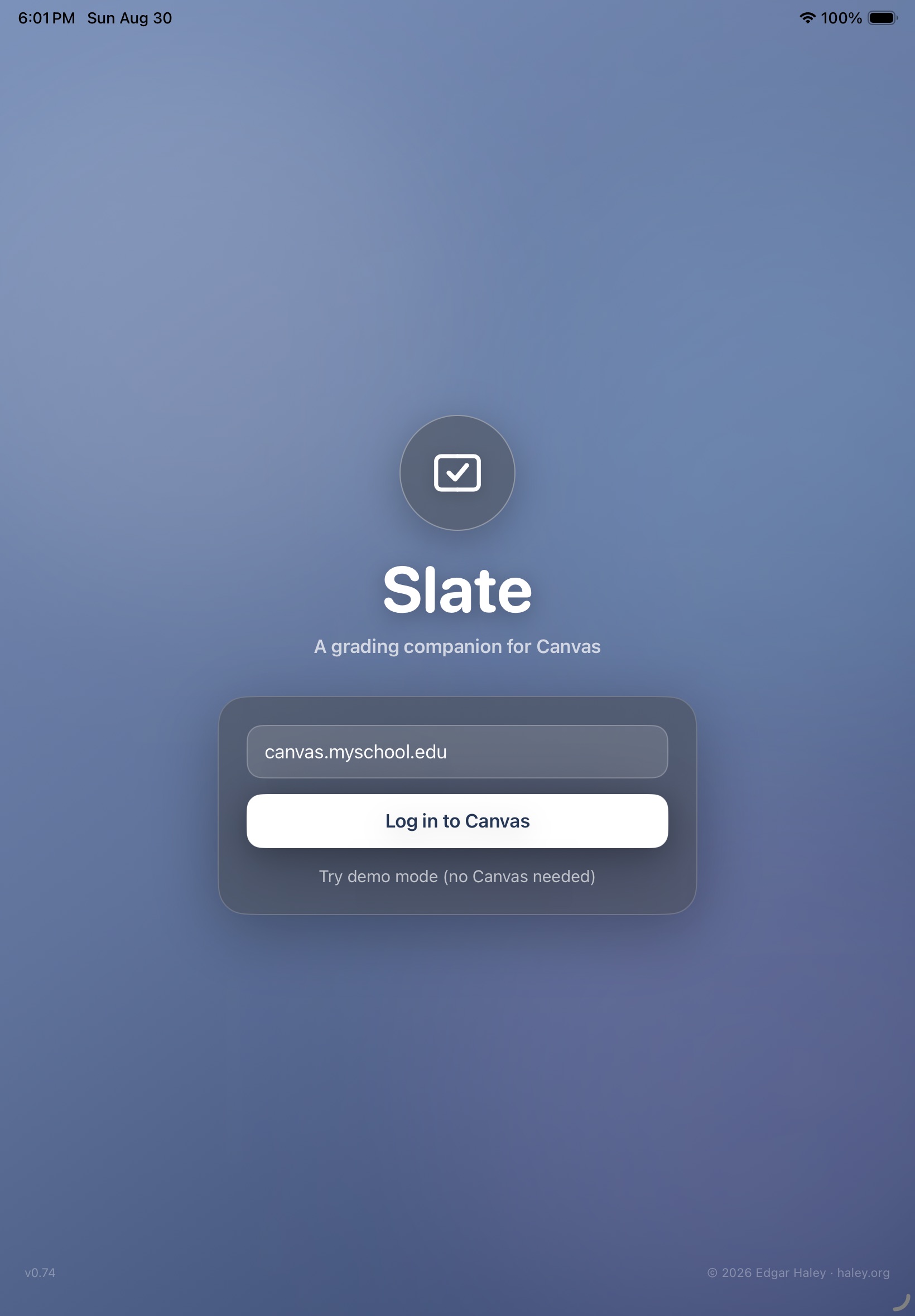
The welcome screen. Log in to your school's Canvas, or poke around in demo mode.
What it does
- Signs in through the school's regular Canvas login page — a session cookie, no API tokens to provision.
- Courses and assignments with to-grade counts, straight into the stack of submissions.
- Every page of a submission is instantly writable: pen colors, eraser, undo, and a finger-draw toggle for when the Pencil is not available.
- Ink stamps: write “don't forget +C” once, then stamp it onto the next twelve papers.
- Quick-score buttons when an assignment is out of a small whole number, plus a manual score field.
- Scores write to Canvas as unposted grades, invisible to students until grades are finalized and posted.
- One tap uploads the annotated feedback to the student's comment thread.